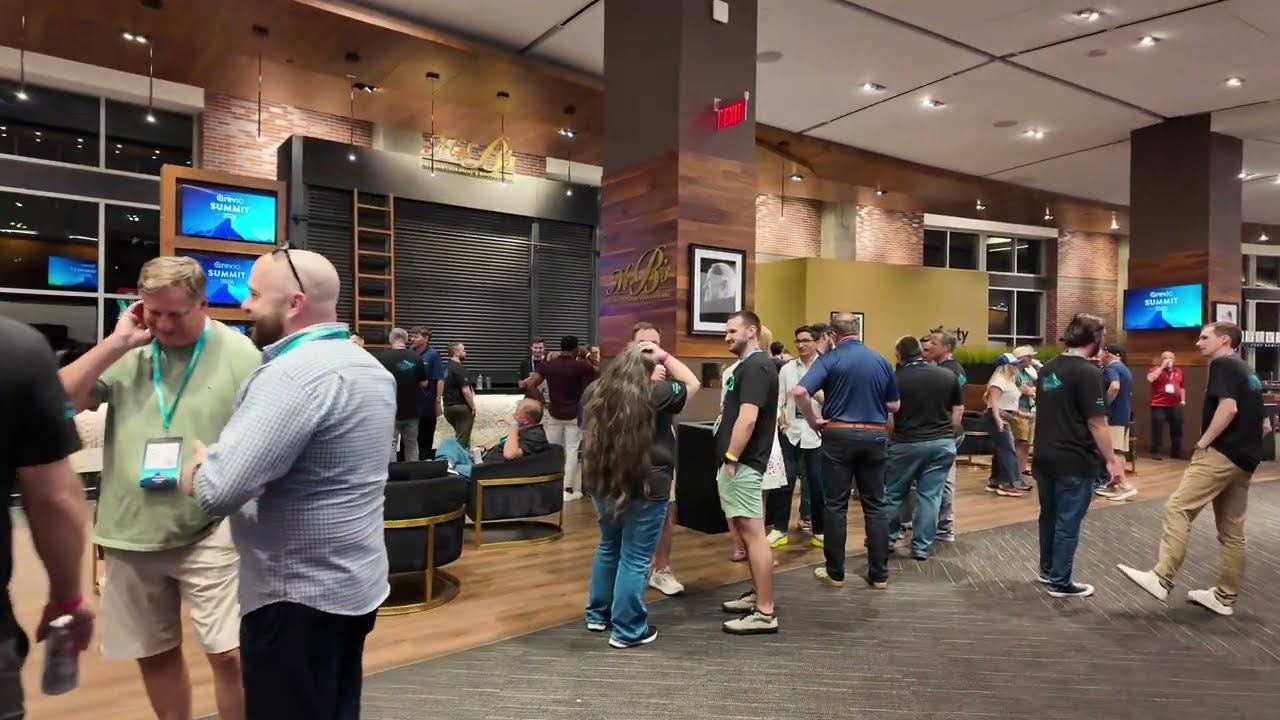
Atlanta Music Pros provides corporate meeting AV throughout Metro Atlanta for board meetings, sales meetings, training sessions, leadership offsites, employee meetings, seminars, town halls and company all-hands. A meeting package can include a sound system sized to the room, wireless and tabletop microphones, projection or large displays, presentation setup and switching, video conferencing integration, recording, modest stage lighting and an on-site technician for the duration.
Meetings are not small conferences. There is no stage, the audience is often seated at rounds or in a boardroom, and the entire job is making sure that everyone can hear the person speaking and read what is on the screen. That sounds trivial. It is the single most common thing corporate AV gets wrong.
Rooms are the reason. Hotel meeting rooms have hard ceilings and loud air handling. Boardrooms have glass walls that reflect everything. Training rooms are long and narrow. Each needs a different answer, and the one thing none of them need is a speaker on a stick in the corner pointed at the back wall.
The right package follows from the room shape and how people are seated, not from the headcount alone. These are the patterns we see most often in Atlanta.
| Meeting type | The real problem to solve | Typical package |
|---|---|---|
| Board or executive meeting | Quiet talkers around a table, plus remote directors who need to hear every word | Tabletop or boundary microphones, conferencing integration, a large display, a technician on call |
| Sales meeting or kickoff | Energy, presentations from several people, awards or recognition segments | PA with music playback, two or three wireless mics, projection or LED, playback and modest lighting |
| Training or seminar | A presenter talking for hours in a long room where slides carry detail | Headset or lavalier mic, speech-focused PA, bright display, recording if sessions are reused |
| Town hall or all-hands | One voice reaching a large room plus a remote workforce | Distributed PA, presenter and Q&A mics, streaming or conferencing, a camera for remote viewers |
| Leadership offsite | Discussion-led sessions, flipcharts, breakout groups within one room | Wireless handhelds passed for discussion, a display, flexible setup, a light touch technically |
| Annual or investor meeting | Formality, a script, a record of proceedings | Podium microphone, presentation management, recording, and a run-through beforehand |
A PA chosen for intelligibility rather than volume, positioned so coverage is even and nobody is sitting in a dead spot or under a speaker.
Lavalier, headset, handheld or podium depending on whether the presenter sits, stands or moves. See wireless microphone rental.
Tabletop or boundary microphones for boardroom discussion, so remote participants hear the person who just interjected rather than a room rumble.
One or two roving handhelds for questions. Repeating a question back is a workaround; hearing the question is better.
Large-format displays for smaller rooms, projection for bigger ones, sized so the back row can read a bullet. See projector and screen rental.
Decks collected and tested in advance, laptop switching where presenters bring their own machines, and someone to solve the adapter problem before it happens.
Room audio and video joined into Zoom or Microsoft Teams so remote attendees are participants rather than spectators. See hybrid event production.
Session recording where meetings are reused for training or for people who could not attend. See corporate event video production.
Someone in the room for the duration who can fix a microphone, find the right input, and manage levels, rather than equipment dropped off and left.
Meetings rarely need a lighting rig, but a presenter on camera needs front light. See corporate stage lighting.
Speech intelligibility in a meeting room is decided by three things, and only one of them is the sound system.
Hard ceilings, glass walls and bare tables send sound back at the audience a fraction of a second late, which smears consonants and makes a clear speaker sound mumbled. Correct speaker placement and pattern control, keeping sound on the audience and off the reflective surfaces, does more for clarity than turning anything up.
Air handling is the quiet enemy of hotel meeting rooms. A ventilation system that seems unnoticeable when the room is empty raises the noise floor enough that a soft-spoken presenter has to compete with it. We measure by listening in the room, and where the PA cannot win we change microphone technique instead.
The distance between a microphone and a mouth matters more than the price of the microphone. A lavalier on a lapel eight inches from the mouth is worth far more than an expensive mic on a table three feet away. This is why we would rather put a lavalier on the presenter than add another table microphone.
The single most common meeting AV failure is not audio at all: it is a presenter’s laptop that will not talk to the display, discovered two minutes before start. Collecting decks in advance, testing the actual machines, and having the adapters on hand removes that entirely.
An illustrative package for a common request: a two-hour meeting with three presenters, slides, a short video and questions from the floor. An example of how a package gets assembled, not a past project or a price.
Meetings usually scale by room count rather than by size. Three simultaneous training rooms is a bigger logistical job than one meeting twice the size.
Meeting rooms in Atlanta hotels are the most likely place to encounter an in-house AV department with a vendor policy attached. Sometimes an outside company is welcome, sometimes there is a fee, and occasionally a service is exclusive. None of that is a problem if it is known early; it is only a problem when it is discovered during load-in.
Venue policies, outside-vendor requirements, power, internet, loading access and production restrictions should be confirmed with the venue during pre-production. Many hotels, arenas and convention facilities maintain in-house AV departments, exclusive service providers, union labor rules, rigging approvals and outside-vendor fees, and those terms decide what any outside company can do in the room.
Atlanta Music Pros is an Atlanta-based company covering Metro Atlanta and North Georgia. We travel to the venue rather than operating suburban offices.
Yes, and it is one of our most common requests. The thing worth checking early is the hotel’s vendor policy: many Atlanta hotels operate an in-house AV department, and some attach an outside-vendor fee or make certain services exclusive. Ask the hotel what is permitted and whether any fees apply, and we will build the package around the answer. Knowing it in advance also lets you compare our quote against theirs honestly.
Yes, and for most corporate meetings we recommend it rather than a drop-off rental. A technician manages levels as different presenters speak, solves the laptop-to-display problem before the room sees it, swaps a failing microphone in seconds, and handles the questions nobody anticipated. The cost of one technician is usually less than the reputational cost of a meeting that stalls in front of eighty employees.
Yes. We can collect decks in advance, check them for format and embedded video, and run the program from a single machine so presenter changeovers do not involve cable swapping. Where presenters must use their own laptops, we set up switching and test each machine during the technical check. Slide advance can be on a clicker in the presenter’s hand or called to an operator.
For a seated discussion around a table, tabletop or boundary microphones give coverage without anyone holding anything, and they matter most when remote directors are on the call. For a presenter who stands and speaks, a lavalier or headset is much better, because microphone-to-mouth distance drives clarity more than microphone quality does. Most boardroom meetings end up using a combination.
Yes. The room can join your platform as a participant, with proper room audio going in so remote attendees hear everybody, and platform audio coming out through the room system so the room hears them. Configuration depends on your licence type and IT setup, so we confirm it with your team and test before the meeting rather than assuming it will work. If remote attendees need to present as well, that is a hybrid event.
The drivers are room size and shape, how many microphone channels you need, whether the display is a screen or projection, whether the meeting is recorded or joined to a conferencing platform, the number of rooms, and how many hours of crew and load-in time are involved. A single boardroom setup and a three-room training day are very different quotes. Our corporate AV pricing page walks through each factor.
Often yes, and offices can be simpler than hotels because you control access and the network. We look at ceiling height, room shape, background noise from air handling, available power, and whether the room has existing display or audio infrastructure worth using. Where your conference room already has a decent display, we may only be adding microphones, a PA and a technician.
For a straightforward meeting, an hour or two before attendees arrive is usually enough, subject to when the venue will release the room. Anything involving multiple rooms, recording, conferencing integration or presenter rehearsals wants more. The constraint is often the venue rather than us: dock access, freight elevators and when the room is turned over from a previous event all shape the schedule.
Tell us the room, the number of people, how they will be seated and whether anyone is joining remotely. Meeting AV is decided by the room more than the headcount, so a photo or a floor plan is genuinely useful.