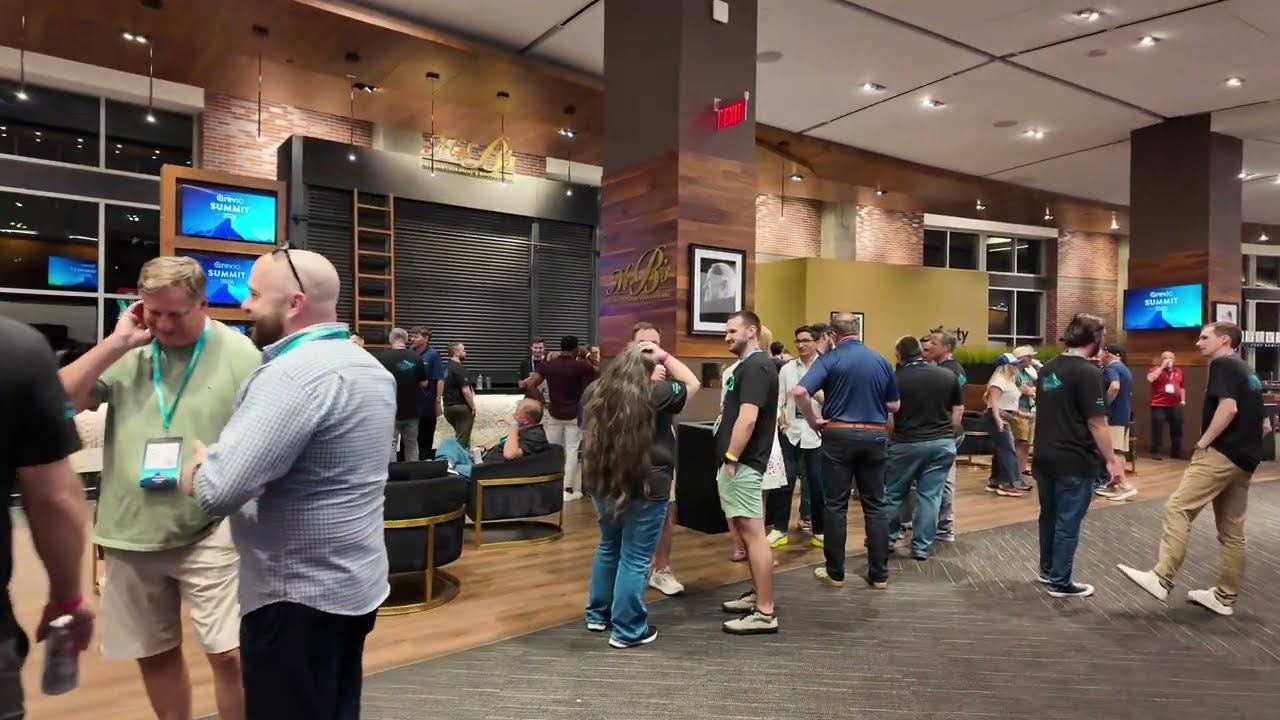
Atlanta Music Pros provides corporate event video production throughout Metro Atlanta — live event capture rather than commercial filmmaking. Services can include conference and session capture, keynote and speaker recording, panel discussion coverage, presentation recording with clean slide sources, camera operators, live switching, name and title graphics, IMAG feeds to in-room screens, and program feeds for live streaming and archive.
There is a real difference between event video and commercial video. A commercial shoot controls the light, the schedule and the number of takes. An event happens once, at a fixed time, in a room somebody else lit, with a presenter who will not be doing it again.
That is the discipline this page is about: capturing something live so it is still worth watching afterwards. Clean audio from the desk, slides taken as a digital source rather than filmed off a screen, framing that holds when a presenter wanders, and files that an editor can actually use.
Session-by-session recording across a program, with consistent framing and desk audio so the library looks like one event rather than a collection of phone videos. Pairs with conference AV.
The session most likely to be reused. A close enough angle to read expression, slides cut in as a clean source, and audio taken from the presenter’s own microphone.
Coverage that follows a conversation between four or five people without whipping the camera around, usually a wide angle plus an operated angle finding whoever is speaking.
Slides recorded as a digital source at full resolution, so text is legible in the recording instead of being a photograph of a projection screen.
Capture set up so individual speakers can be given a usable recording of their own session afterwards, which is a routine ask at association conferences.
Operated angles rather than locked-off tripods where presenters move, because a locked wide shot of an empty lectern is not usable footage.
Cutting between cameras, slides and playback live to build one program feed for the screens, the stream and the recording. See multi-camera live production.
Lower-third name and title cards, session titles and holding slates, applied live so the recording does not need them added in post.
The same camera work feeding the in-room screens so the audience can see the presenter. Explained on our IMAG production page.
The program feed encoded and sent out live as well as recorded. See live streaming services.
Cutaways of the room, the audience and the space, which is what makes an event recap watchable rather than a static shot of a stage.
Where you want stills as well as video, our event photography and videography service covers that side.
Almost every unusable corporate event recording fails for one of the same four reasons. None of them are about camera quality.
A camera microphone at the back of a ballroom records the room, not the presenter: air handling, chair scrapes, the reflection off a glass wall. The fix is taking a feed from the audio desk, so the recording hears the presenter’s lavalier directly. This single decision separates professional event video from everything else.
Pointing a camera at a projection screen produces a dim, keystoned, unreadable version of the deck, often with the presenter’s shadow across it. Taking the slide source digitally gives you crisp, full-resolution slides that can be cut in full-frame whenever text matters.
A locked-off wide shot is fine for a lectern-bound speaker and useless for anyone who moves. Presenters walk. They gesture at screens. They sit down for a panel. An operator keeps the subject in frame and at a size worth watching.
Recording is the easy part; the question is what you actually need. Raw session files, a lightly trimmed session library, a highlights edit and a speaker reel are four different deliverables with four different costs. We agree that in the scope before the event so the capture is set up to produce it. Our production case studies are written up after real jobs as they happen.
More cameras is not automatically better. Each angle adds an operator, a signal path and switching complexity, so it should earn its place.
| Setup | What it gives you | Right for |
|---|---|---|
| One camera, locked off | A single continuous record of the stage | A lectern-bound speaker, an internal archive, a tight budget |
| One camera, operated | A subject that stays framed as the presenter moves | Keynotes and training where the speaker does not stay put |
| Two cameras | A wide master plus a presenter close-up, cut live | Most general sessions, streamed sessions and IMAG |
| Three cameras | Adds an audience, panel or reaction angle | Panels, Q&A-heavy sessions, awards, content built for reuse |
| Four cameras | Adds a specialty, roaming or product angle | Product launches, galas and high-production general sessions |
An illustrative configuration for capturing a main-room program. An example of how the pieces fit together rather than a past project or a price.
Camera positions need agreeing with the venue and the planner early, because the best angle for video is sometimes the worst position for the audience’s view of the stage.
This page covers live event video: capturing sessions, keynotes, panels and presentations as they happen. Scripted commercial films, brand campaigns and studio shoots are a different discipline with a different crew, and we will say so rather than taking the job on and improvising.
We do not publish camera models or a claimed equipment inventory. Cameras, switching and crew are specified against your room, your run of show and your deliverables, and written into the scope before you commit. Atlanta Music Pros provides some of this work directly and coordinates the rest through production partners we have vetted. Which parts fall where depends on the scale of the room, the date and what the venue allows, so the honest answer is that we build or coordinate a package around your venue, guest count and production requirements rather than publishing a fixed equipment list.
Atlanta Music Pros is an Atlanta-based company covering Metro Atlanta and North Georgia. We travel to the venue rather than operating suburban offices.
Yes. Keynote capture usually means an operated camera close enough to read expression, the presenter’s slides taken as a clean digital source and cut in when text matters, and audio taken from the audio desk so the recording hears their lavalier microphone rather than the room. We agree deliverables in advance — a program recording per session, isolated sources, or an edited highlights piece — because that determines how the capture is set up.
Commercial corporate video is a controlled shoot: scripted, lit, and repeatable until it is right. Live event video happens once, on somebody else’s schedule, in a room lit for an audience rather than a camera. The skills overlap but the priorities do not. This page is about live event capture — conferences, keynotes, panels, awards and launches. If you need a scripted brand film, that is a different kind of production.
Because a camera microphone records the room instead of the presenter. In a ballroom that means air handling, chair noise and reflections off hard surfaces, which makes a good speaker sound distant and amateur. Taking a program feed from the audio desk means the recording hears the presenter’s microphone directly, with panel mics, Q&A and playback audio balanced. It is the cheapest and largest quality improvement available in event video.
Yes, and it should be taken as a digital source rather than filmed off the screen. A camera pointed at a projection screen produces a dim, keystoned, often shadowed picture that makes text unreadable. Capturing the presentation digitally gives full-resolution slides that can be cut in full-frame or shown alongside the presenter, which is what makes a recorded session useful to someone who was not in the room.
One operated camera is enough for a straightforward keynote archive. Two — a wide master plus a presenter close-up — suits most general sessions and anything being streamed or sent to in-room screens. Three adds a panel or audience angle, which matters for Q&A-heavy sessions and content built for reuse. Four is for launches, galas and high-production sessions. Adding a clean slide source usually improves a recording more than adding a third camera.
Either, but it needs deciding before the event rather than after. Raw or lightly trimmed program recordings per session, isolated source recordings for an editor, a highlights edit and individual speaker reels are four different deliverables with different costs and different capture requirements. We write what you are getting, in what format and by when, into the scope.
Yes, and that is usually the efficient way to do it. One switched program feed can serve the in-room screens as IMAG, go out to a live stream, and be recorded at the same time. That is a practical argument for having video, audio and streaming handled by one production team: the feeds already exist in one place instead of being patched between companies on the morning of the event.
Camera positions get agreed with you and the venue during pre-production, because the best angle for video is sometimes a seat somebody has paid for. Typical solutions are a rear platform for the wide master, a side position for the presenter angle, and a roaming operator kept out of sightlines. It is much easier to solve on a floor plan than on the day.
Tell us which sessions need capturing, what you want to do with the recordings afterwards and where the event is. Deliverables shape the shoot, so it helps to know whether you need an archive, a highlights edit or speaker reels.